Lucky Star Customer Support: Get Help Fast
The Lucky Star support team is available around the clock to assist you with account questions, payments, technical issues, and more. You can reach customer service through live chat, phone, email, WhatsApp, and Telegram, with support available in English and Hindi. Most queries are resolved within minutes via live chat, while email responses typically arrive within 24 hours.
Instant Help via Live Chat
Live chat is the fastest way to contact the Lucky Star support team and get an answer without delay. It is available directly on the website and in the mobile app, 24 hours a day, 7 days a week.
How to Access Live Chat
Log in to your account and click the chat icon at the bottom right of any page. If you are not yet registered, you can still initiate a chat as a guest for general questions.
Best Situations for Live Chat
- Account login issues
- Deposit or withdrawal queries
- Bonus eligibility and activation
- Quick technical questions
- Game loading errors
Contact Details
- Available: 24 hours a day, 7 days a week
- Languages: English and Hindi
- Access: Website chat widget or in-app support tab
Expected Response Time
A live support agent typically connects within 1 to 3 minutes. Complex issues may take a few additional minutes for full resolution.
Tips for Faster Responses
- Log in before starting the chat so the agent can access your account details immediately.
- Describe the issue in a single, clear sentence to avoid follow-up questions.
- Have your transaction ID or game name ready if your question relates to a specific event.
- Avoid sending multiple messages before the agent responds, as this can slow the queue.
Email Support for Detailed Queries
Email is the right channel when your question requires documentation, detailed explanation, or follow-up across multiple steps. The customer service team reviews all incoming emails and responds with thorough, account-specific answers.
How to Send an Email
Compose your message and send it to the appropriate address listed below. Include all relevant details in the body of the email so the team can assist you without needing to ask for more information.
Best Situations for Email Support
- KYC document submission and verification status
- Disputed transactions or payment discrepancies
- Account suspension or closure requests
- Formal complaints
- Requests requiring document attachments
Contact Details
- General support: [email protected]
- Financial queries: [email protected]
- Verification and KYC: [email protected]
- Languages: English and Hindi
Expected Response Time
Most emails receive a reply within 12 to 24 hours. Complex cases involving verification or payment investigations may take up to 48 hours.
Tips for Faster Email Responses
- Write a clear, specific subject line, for example: "Withdrawal Pending Since [Date] – Account [Your ID]".
- Include your registered email address and account username in the body of the message.
- Attach screenshots or supporting documents directly to the first email.
- Send only one email per issue to avoid duplicate tickets slowing down the queue.

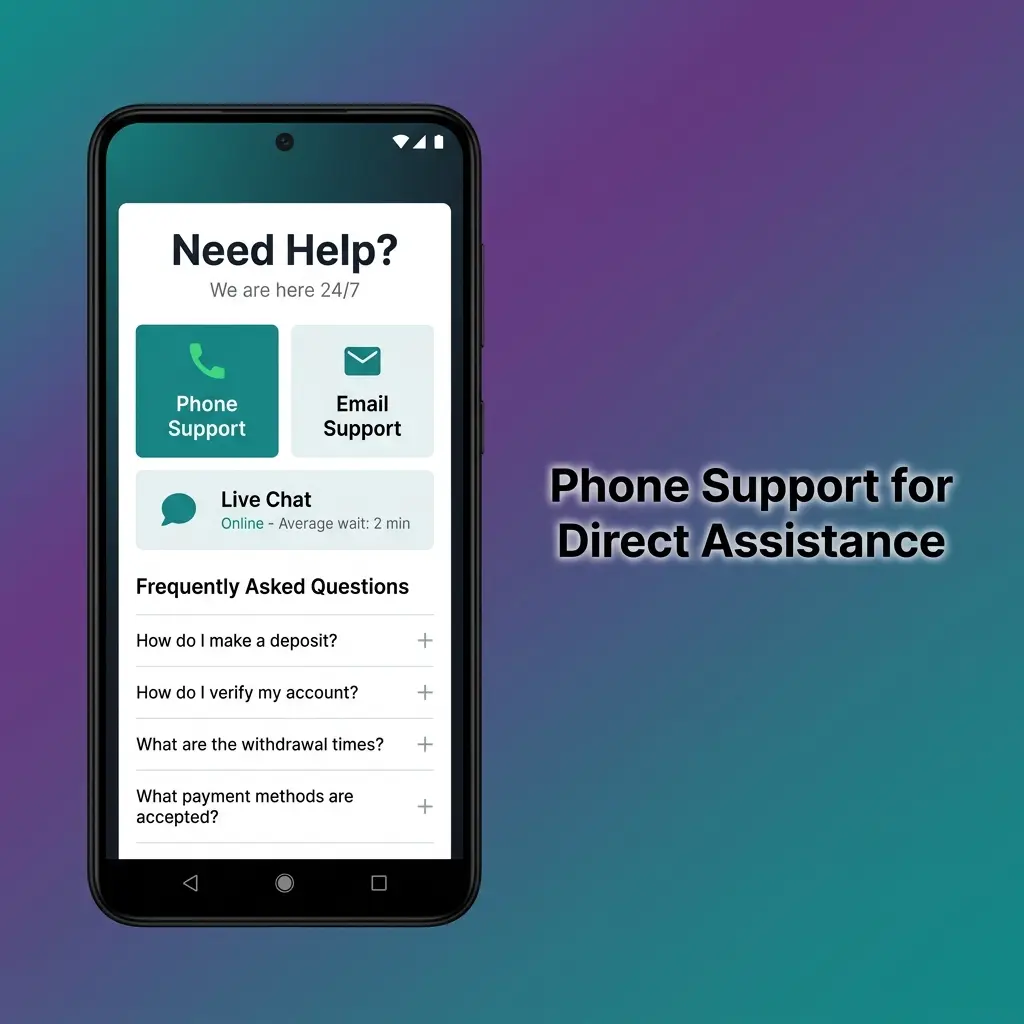
Phone Support for Direct Assistance
The helpline number connects you directly with a live agent for issues that are time-sensitive or easier to explain over a call. Phone support is particularly useful when you need step-by-step guidance in real time.
How Phone Support Works
Dial the helpline number listed below during operating hours. An automated menu will direct your call to the correct department. Keep your account credentials and any relevant transaction details close by before you call.
Best Situations for Phone Support
- Urgent account access issues
- Immediate assistance with a failed transaction
- Verification of a pending withdrawal
- Guidance through a multi-step process
- Situations where you prefer verbal communication
Contact Details
- India helpline number: 1800-XXX-XXXX (toll-free)
- Operating hours: 9:00 AM to 11:00 PM IST, Monday to Sunday
- Languages: English and Hindi
Expected Response Time
Wait times average between 2 and 5 minutes during standard hours. Evenings between 6:00 PM and 9:00 PM IST tend to see higher call volumes.
Tips for a More Efficient Call
- Call between 10:00 AM and 2:00 PM IST for shorter wait times.
- Have your account ID, registered mobile number, and the details of your issue ready before calling.
- Note down the agent's name and any reference number provided at the end of the call.
- Use the helpline number 24/7 IVR option for automated balance and transaction status checks, available around the clock.
Messaging Apps and Social Media Support
For players who prefer messaging over calls or email, the support team is reachable through WhatsApp, Telegram, and official social media channels. These platforms are convenient for quick questions and status updates.
Available Platforms
- WhatsApp: Send a message to the official number to start a support conversation. Ideal for quick questions and document sharing.
- Telegram: Search for the official channel handle and send a direct message. Useful for account queries and general information.
- Facebook Messenger: Send a message via the verified Lucky Star Facebook page for non-urgent questions.
- X (formerly Twitter): Tag or direct message the official account for general support or public feedback.
Best Situations for Messaging Support
- Sending a KYC document through WhatsApp
- Checking bonus status or promotion details
- Getting updates on a pending transaction
- Non-urgent account questions
- Following up on an existing support ticket
Contact Details
- WhatsApp: +91-XXXXXXXXXX (available 9:00 AM to 11:00 PM IST)
- Telegram handle: @LuckyStarSupport
- Facebook: facebook.com/LuckyStarOfficial
- X handle: @LuckyStarHelp
Expected Response Time
WhatsApp and Telegram messages typically receive a reply within 5 to 15 minutes during operating hours. Social media responses may take 1 to 3 hours.
Tips for Effective Messaging
- Always start your message with your registered account email or username so the agent can locate your profile.
- Use WhatsApp for document sharing, as it preserves image quality better than most platforms.
- Avoid sending multiple messages on different platforms for the same issue, as this creates duplicate tickets.
- Follow the official pages to receive promotional updates and service announcements.
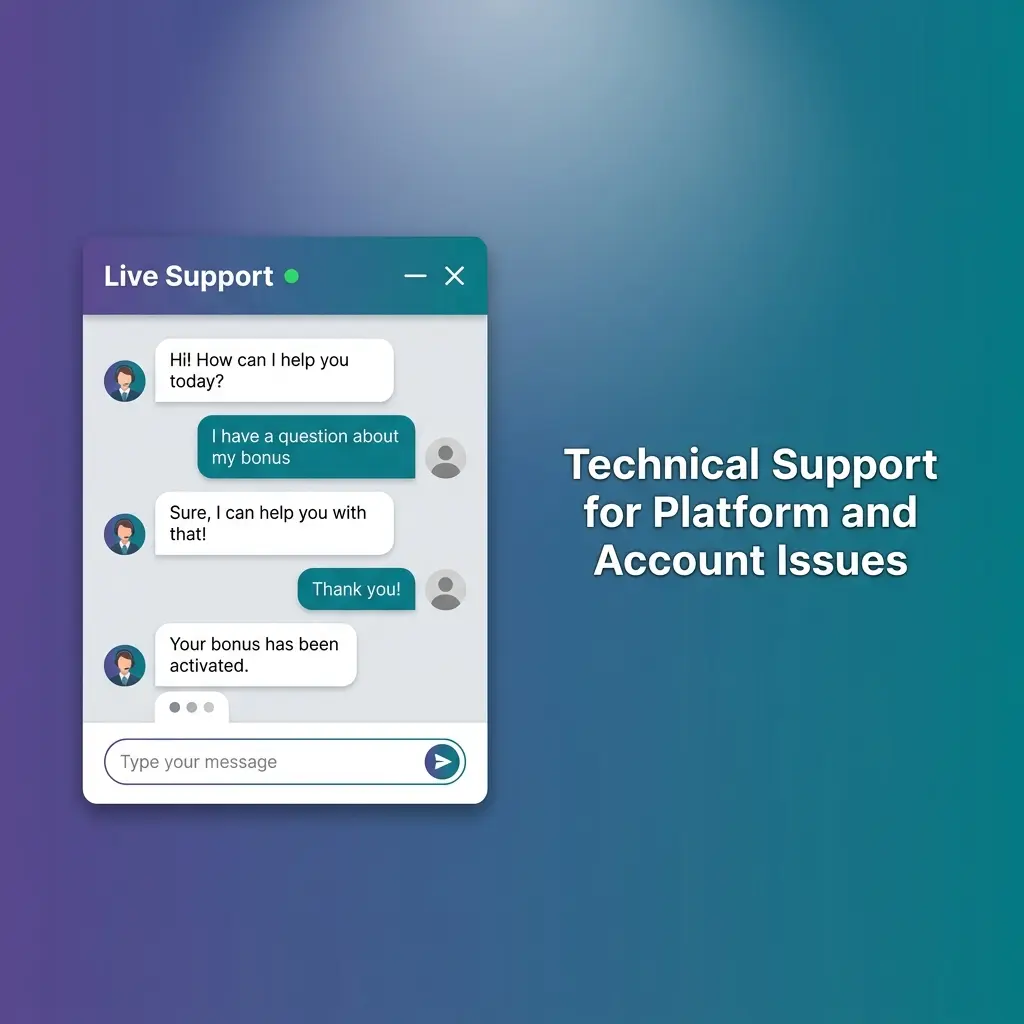
Technical Support for Platform and Account Issues
For issues that go beyond standard queries, a dedicated technical support team is available to investigate and resolve platform errors, payment failures, and account-level problems. This team has access to deeper diagnostic tools to pinpoint and fix issues faster.
How to Reach Technical Support
You can contact the technical support department through the live chat option on the website by selecting "Technical Issue" from the topic menu. Alternatively, send a detailed email to the technical support address listed below.
Issues Handled by Technical Support
- Login errors and two-factor authentication problems
- Game freezing, crashing, or not loading correctly
- Payment gateway failures and transaction errors
- App installation and update issues on Android and iOS
- Account verification errors during KYC submission
- Promotional credits not appearing in the account
Contact Details
- Technical support email: [email protected]
- Live chat topic selection: "Technical Issue"
- Operating hours: 24 hours a day, 7 days a week
- Languages: English and Hindi
Expected Response Time
Simple technical issues are typically resolved within the live chat session, usually 5 to 15 minutes. More complex problems such as payment investigations or server-side errors may require 24 to 72 hours for full resolution.
Tips for Faster Technical Resolutions
- Include a screenshot of any error message in your initial contact.
- Mention your device model, operating system version, and browser or app version.
- Describe exactly what you were doing when the issue occurred, step by step.
- Note the time and date of the issue, as this helps technical teams cross-reference server logs.
- Clear your browser cache or reinstall the app before contacting support, and mention if you have already done this.
VIP and Priority Support for High-Value Players
Players who qualify for VIP membership receive access to a dedicated priority support channel with faster response times and a personally assigned account manager. This service is designed for players who require high-level assistance and a more personalised experience.
How VIP Support Works
Once you reach the qualifying tier in the Lucky Star loyalty programme, a dedicated account manager is assigned to your profile. You can contact this manager directly via a private phone line, a dedicated email address, or a priority chat channel accessible through your VIP account dashboard.
Who Qualifies for Priority Support
- Players who have reached Silver tier or above in the loyalty programme
- High-volume players identified by the VIP team
- Players with an invitation from a Lucky Star support representative
Issues Prioritised for VIP Members
- Fast-tracked withdrawal processing
- Dedicated assistance with large transaction queries
- Exclusive bonus and promotion negotiations
- Immediate account restoration in case of access issues
- Custom betting limits and account configurations
Contact Details
- VIP priority chat: Available in the VIP dashboard under "My Manager"
- VIP email: [email protected]
- Dedicated phone line: Provided upon reaching VIP status
- Response language: English and Hindi
Expected Response Time
Priority support responses are typically delivered within 1 to 5 minutes via chat and within 2 to 4 hours via email, even for complex cases.
How to Maximise VIP Support
- Contact your assigned account manager directly rather than the general helpline to avoid delays.
- Keep your account manager updated on your preferences for a more tailored service experience.
- Ask your manager about exclusive promotions not listed on the main website.
- Review the VIP programme terms on the website to understand how to maintain and advance your tier status.

Updated: